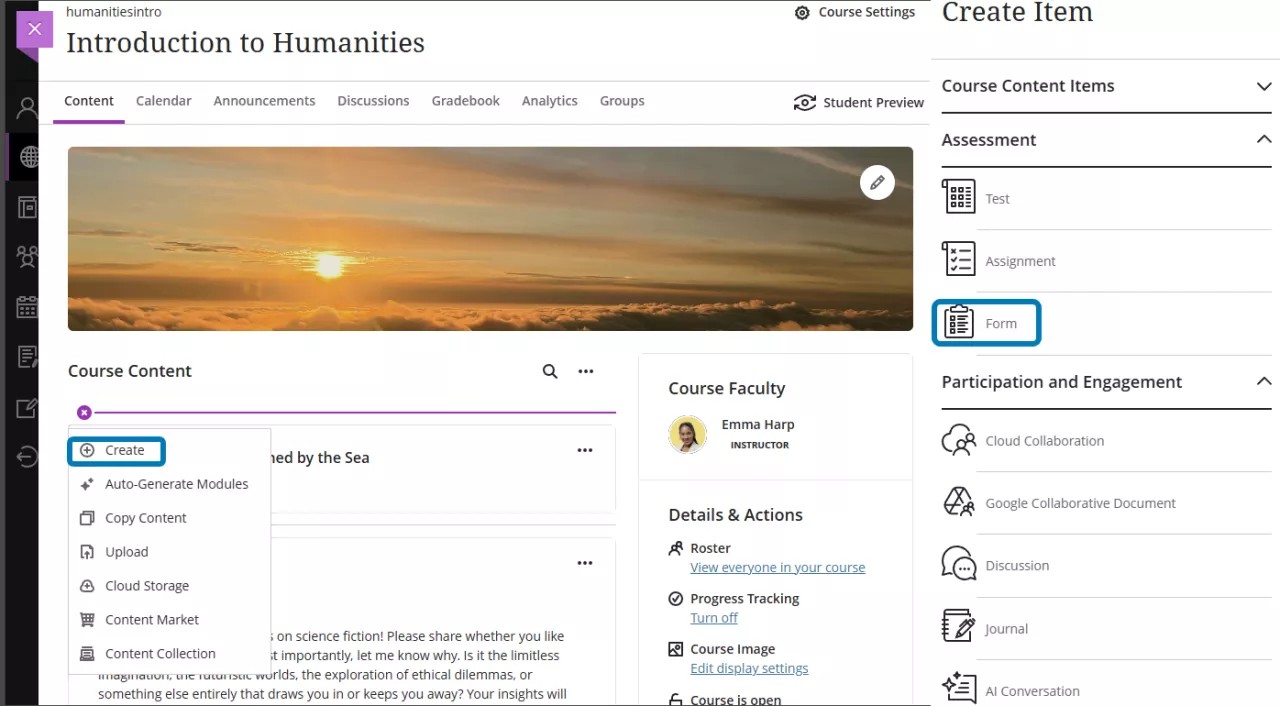
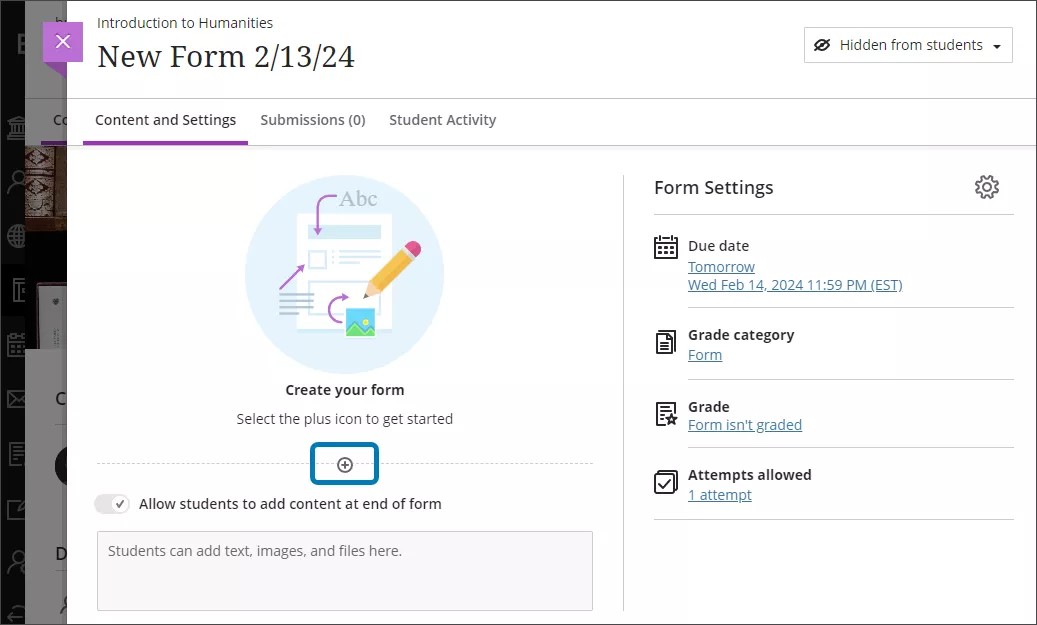
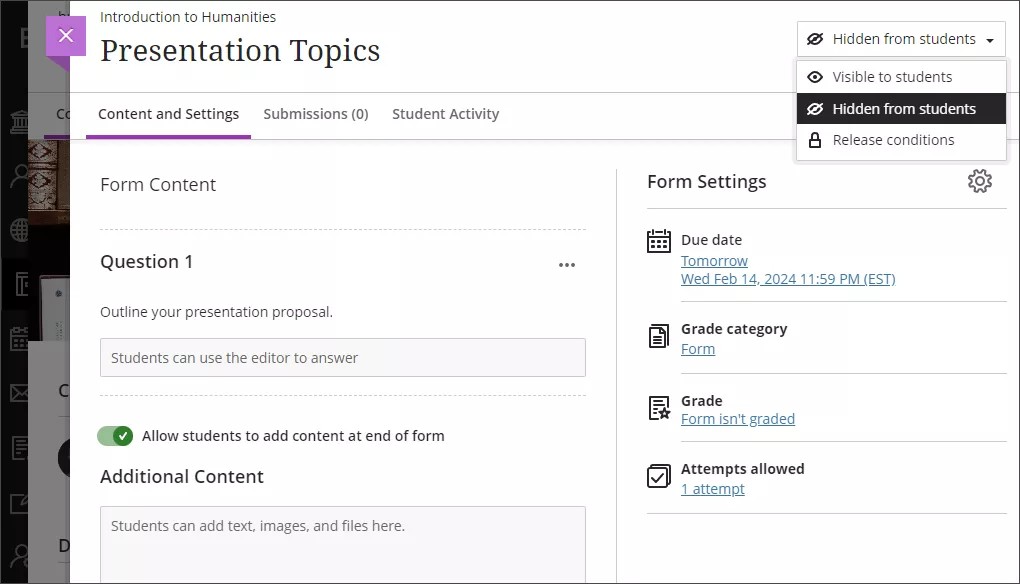
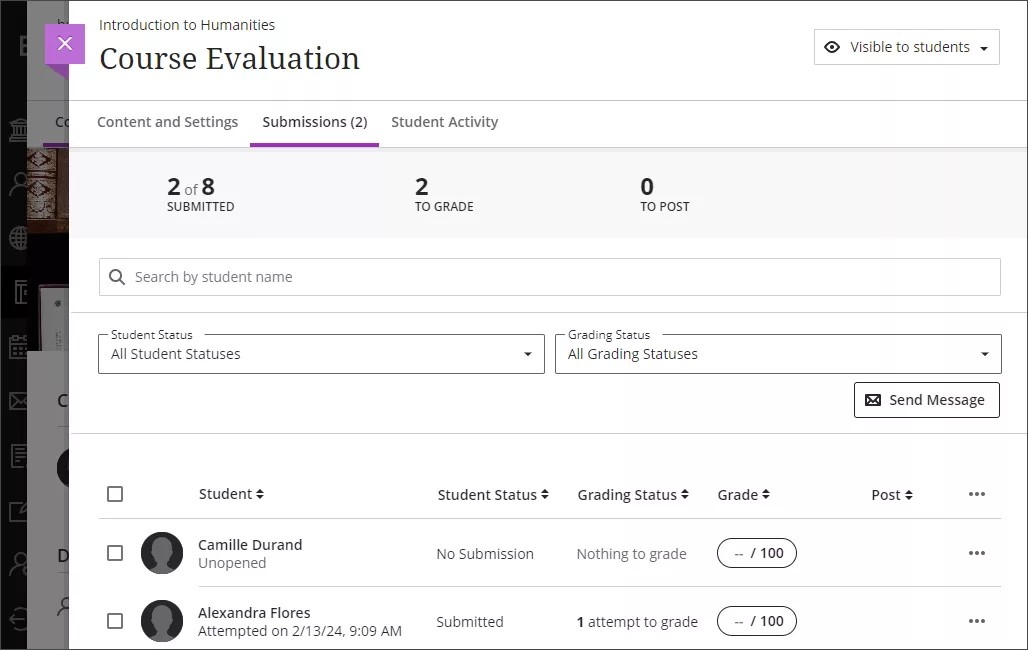
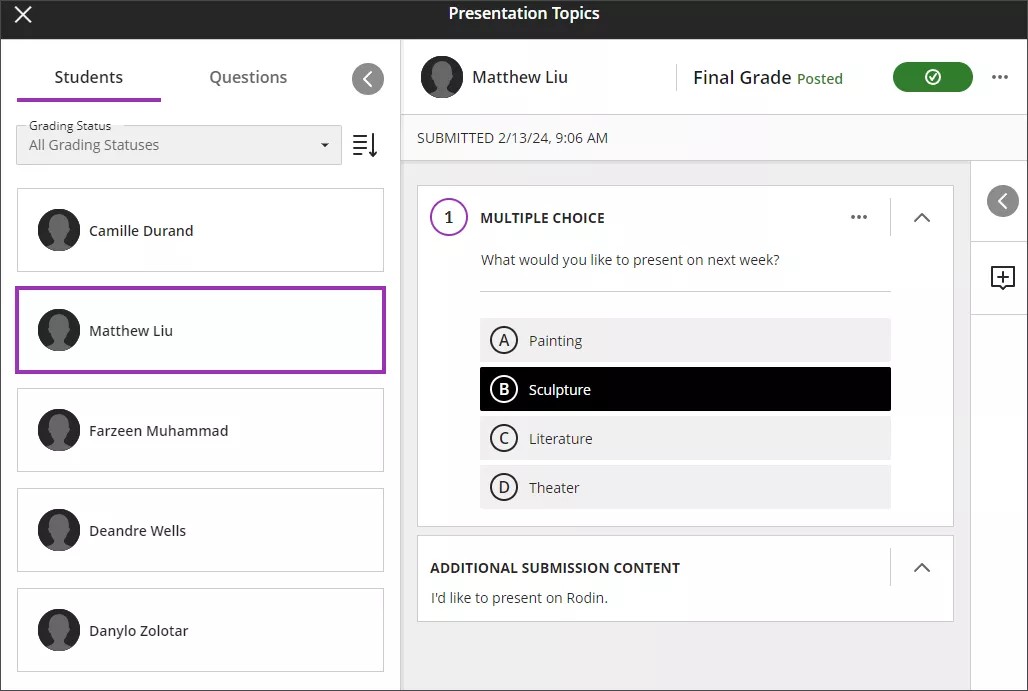
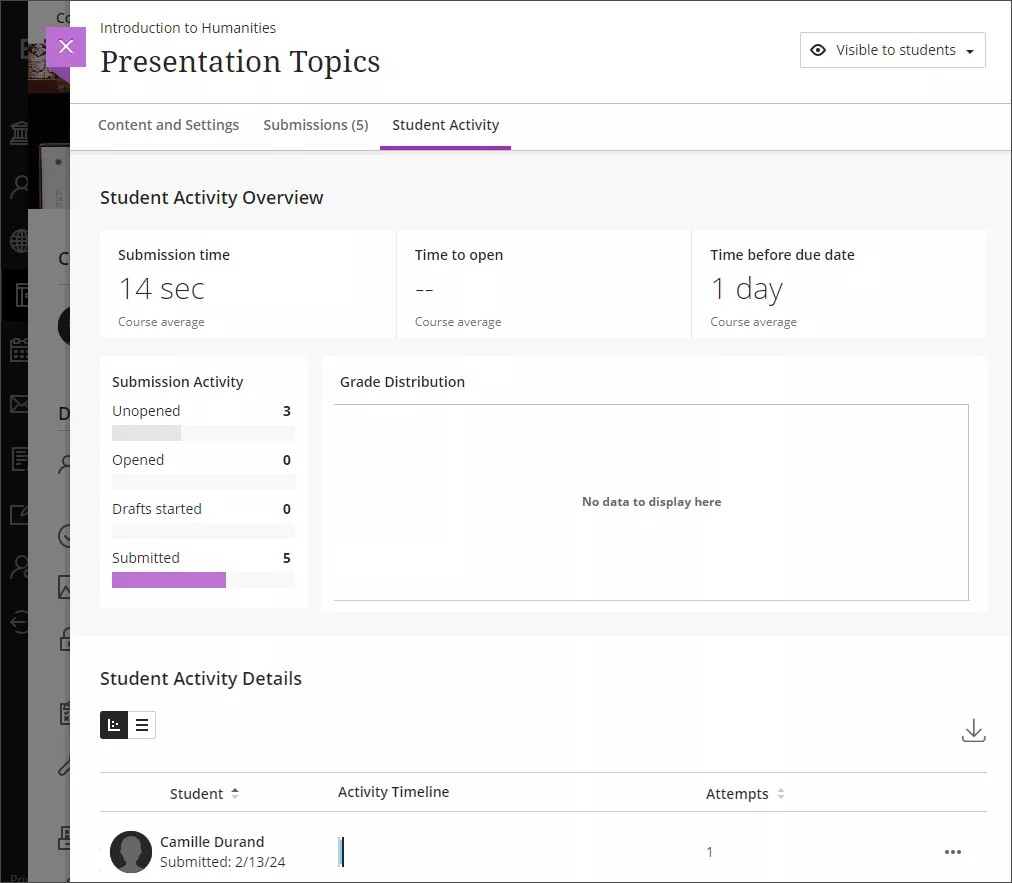
By default, forms are hidden from students. You must set the form to be visible to students before students will be able to access the form on their Course Content pages. A form must have questions before you can make it visible to students. You can also add release conditions to a form. [view screenshot]
On the right-hand side of the New Assignment page, under Assessment Settings , you can view the settings selected for your form. To choose and apply different settings, select the Settings button to open the settings panel.
You can adjust the due date, grade category, whether the form is graded or not, and how many attempts students have to complete the form. You can also choose to anonymize the results of responses to the form.